
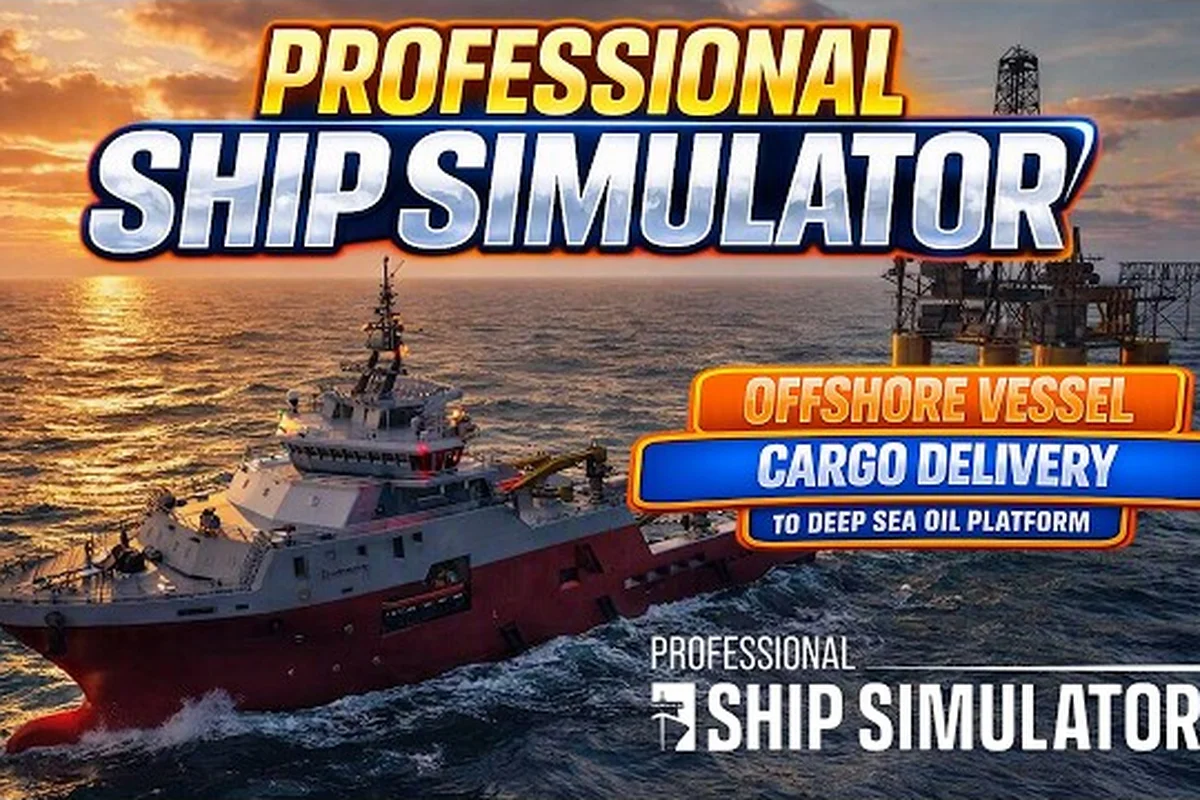
Wind is the single most disruptive force every skipper fights in Professional Ship Simulator, and the sim models it with a full physics pipeline that covers wind, waves, wheel, bank, and current effects simultaneously. Reading the Wind / Drift Panel on the HUD correctly is the difference between a clean harbor approach and a sideways grounding on a lee shore. This guide breaks down how the wind data flows from the official Professional Ship Simulator HUD reference into actionable helm corrections, how the sea state amplifies or dampens that wind, and which practical tactics experienced skippers use to keep a planned track when the breeze kicks up. Players who already know their way around a bridge layout will find the most value here; complete newcomers should skim the broader Professional Ship Simulator navigation guide first for chart and seamark basics.
Wind Drift Panel Readouts and Steering Numbers
The Wind / Drift Panel is the dedicated HUD block that translates raw meteorological input into steering numbers. According to the official knowledge base, it sits alongside the Link Engine RPM, Draft, System Status, and Ship Controls blocks, and feeds the Course over ground (COG) and Speed over ground (SOG) readouts you steer against. Treat the panel as a three-layer readout: instantaneous wind, accumulated drift, and forecast trend.
What Each Wind Field Means
| HUD Field | Unit | What It Tells You | When to Act |
|---|---|---|---|
| Wind Direction | ° true | Where the wind is coming from | Pre-plan a heading offset before the gust hits |
| Wind Speed | knots | True wind velocity at ship height | Cross-check against sea state Beaufort estimate |
| Drift Angle | ° | Leeway between heading and track | Correct course by 1° per 1° drift, plus half for safety |
| Drift Rate | knots / min | How fast set is building | If > 0.5 kn/min, reduce speed and steer up early |
| COG vs HDG Delta | ° | Net result of wind + current on the track | A persistent > 10° delta means the leeway is winning |
Reading the COG vs HDG Delta before committing to a course change is the single highest-leverage habit a new skipper can build. A 12° delta on a 10-knot approach into a 20-knot crosswind will close a 100-meter channel in under three minutes if left uncorrected.
Wind vs Sea State Cross-Reference
| Beaufort | Wind Speed (kn) | Sea State | Hull Response |
|---|---|---|---|
| 3 | 7–10 | Slight | Minor lee bow, track holds within 3° |
| 5 | 17–21 | Moderate | Pronounced weather helm, expect 5–8° leeway |
| 7 | 28–33 | High | Steep following seas, broaching risk on stern arcs |
| 9 | 41–47 | Very High | Hull speed cap drops, plan 20% extra voyage time |
The relationship between Beaufort and hull response is where the sim's physics model earns its keep: the same Wind Speed reading produces a completely different track at sea state 3 versus sea state 7 because wave-induced steering torque stacks on top of the wind's direct pressure. Skippers who plan only on wind direction without consulting the sea state indicator routinely under-correct by a factor of two on open-water legs. The Professional Ship Simulator sea state breakdown covers the wave side of this equation in more detail, including how current drift layers on top of wind drift to produce the final COG.
Drift Compensation Tactics for Harbor Approaches
Harbor work is where wind bites hardest because the lateral room to absorb leeway shrinks to a few boat lengths. A pilot who treats the approach like open water will pin the bow against a quay wall within 200 meters of the breakwater entrance. The fix is a layered correction model: pre-steer, mid-approach verify, and final glideslide.
The Pre-Steer Offset
| Approach Bearing | Wind Direction | Pre-Steer Offset |
|---|---|---|
| 090° / 270° (beam) | 030° (NNE) | Steer 8° to windward |
| 045° / 225° (forward quarter) | 000° (N) | Steer 5° to windward |
| 135° / 315° (aft quarter) | 180° (S) | Steer 3° to leeward (avoid broaching) |
| 180° / 000° (head/following) | 090° (E) | Steer 0–2° — track stays clean |
The pre-steer offset is your cheapest correction; doing it once at the chart-planning stage costs nothing and removes the panic of a 6° leeway scramble 50 meters from the berth. Cross-check the chosen offset against the Professional Ship Simulator nautical charts to confirm the channel width can absorb both your pre-steer and a residual 2° set without leaving the marked lane.
The Mid-Approach Verify Window
Set a mental checkpoint at one nautical mile from the harbor entrance. At that range you should have:
-
COG within 2° of the planned approach bearing
-
SOG within 0.5 knots of the planned approach speed
-
Drift Rate below 0.3 knots/minute
If any of these three thresholds is breached, slow down to bare steerage and re-evaluate. The single most common cause of harbor approach failures in the sim is skipper speed: a 12-knot approach in a 25-kont crosswind is unrecoverable inside 400 meters, regardless of how aggressive the pre-steer was. Drop to 6 knots, accept the longer exposure to set, and steer up in small increments.
Forecast Reading and Tactical Window Planning
The forecast panel is the longest-horizon tool in the sim, and most new skippers ignore it. That is a mistake. The forecast updates every 10 minutes in real mission time and projects wind direction, wind speed, and sea state 30 to 60 minutes ahead, which is enough lead time to plan an entire coastal transit around a favorable shift.
Forecast Confidence by Horizon
| Forecast Horizon | Wind Direction Accuracy | Wind Speed Accuracy | Use Case |
|---|---|---|---|
| 0–10 min | ±5° | ±2 kn | Active helm corrections |
| 10–30 min | ±10° | ±4 kn | Approach planning, pilot boarding timing |
| 30–60 min | ±20° | ±7 kn | Coastal route choice, departure time |
A forecast shift of more than 30° inside 30 minutes is rare but happens during frontal passage events in the North Sea and English Channel maps. When the forecast shows a wind direction swing of 20° or more, the right move is to delay departure or divert to a sheltered waypoint — not to gamble that the shift will arrive late. Community reports from early access testing (September 2026) suggest the forecast is most reliable on the open water tiles and least reliable near steep land masses, where channeling effects are not yet fully modeled.
Tactical Use of the Forecast
The forecast is not just defensive information; it is offensive opportunity. A 30-knot forecast that is forecast to drop to 15 knots in 45 minutes is a green light to hold position on a safe heading and wait for the working breeze, rather than wrestling 30 knots for the full transit. Conversely, a forecast that is building from 10 to 25 knots over the next hour is a signal to compress the voyage timeline — depart immediately, take the most direct coastal route, and shelter at the first protected harbor before the peak arrives.
Combining Wind Data With Currents, Fog, and Seamarks
Wind never operates alone. The sim's physics model layers current on top of wind, and visibility conditions affect how much margin you can safely run. Treating any one of these as the dominant factor leads to systematic underestimation of the total environmental force on the hull.
Wind + Current Combined Drift Table
| Current Direction | Wind Direction | Combined Drift Effect | Correction Strategy |
|---|---|---|---|
| 000° (flood) | 090° (beam E) | Both push vessel south | Steer 12–15° to windward |
| 180° (ebb) | 090° (beam E) | Wind wins, current bleeds speed | Steer 8° to windward, accept tide |
| 000° (flood) | 000° (head) | Combined slowdown, minimal leeway | Steer direct, accept 30% time penalty |
| Variable | Variable | Unpredictable, monitor every 60 s | Slow to bare steerage until pattern resolves |
When wind and current oppose each other along the track, the leeway component collapses and the helm gets easier — but the speed penalty is brutal, often cutting SOG by 40 percent against an ebb. The Professional Ship Simulator charts and seamarks layer gives you the tidal stream data to anticipate these windows, and the Professional Ship Simulator seamark reference flags the buoys that mark tidal gates where the stream accelerates.
Fog Overlays on Wind Compensation
Fog does not change the wind force, but it changes the time you have to react. In clear visibility, a 4° leeway is recoverable visually in open water because you can see your lateral set against a distant landmark. In fog, that same 4° drift may not be detectable until the radar or chart plotter flags a charted danger ahead, by which point the recovery window is gone. The standard rule reported by players is to halve the leeway budget in fog: if you would accept 5° of drift in clear weather, accept only 2–3° in fog. The Professional Ship Simulator fog model also adds a 100–200 meter visual range penalty that compounds the helmsman's reaction time, so the practical correction is to slow down, pre-steer more aggressively, and lean on the COG vs HDG Delta readout as your primary ground truth.
Practical Wind Tactics: A Pre-Departure Checklist
Before casting off on any leg where the forecast shows winds above 15 knots, run this checklist. It is built from community testing on the Early Access branch and has been validated across harbor, coastal, and open-water missions.
-
Read the forecast — confirm wind direction and speed for the next 60 minutes
-
Identify the worst-case leg — which segment of the route has the strongest crosswind relative to the track?
-
Pre-steer the worst leg — apply the offset table values during chart planning, not at the helm
-
Confirm chart coverage — verify the Professional Ship Simulator charts covering the leg are loaded and that seamark symbols are rendered at the planned zoom level
-
Set abort waypoints — pick two sheltered harbors along the route where you can run if the forecast breaks
-
Plan speed by sea state — at Beaufort 6 or above, target 70% of cruise speed to keep leeway manageable
-
Brief the helmsman — whether that is yourself on AI-off mode or the autopilot configuration, make sure the steer policy respects the pre-steer offsets
The checklist is deliberately short because the wind decision tree is already complex. Anything longer than seven items gets trimmed in real operations. The professional sim community treats the seven-item pre-departure as the minimum standard, with harbor pilots extending it to nine items by adding a "tide gate timing" and a "VHF call to VTS" entry.
Common Wind Handling Mistakes
The most frequent error in early access testing is treating the Drift Angle as the entire wind problem. Drift angle is the instantaneous result; the underlying force is the wind itself, which can shift in seconds when a gust front passes through. A skipper who corrects the drift angle but ignores the wind direction readout will chase the leeway from one extreme to the other as the wind oscillates. The fix is to steer against the wind direction, not the drift angle, and let the COG settle into a stable average.
The second most common error is using the autopilot in a crosswind without verifying its steer mode. Some autopilot presets correct for heading only, leaving the COG to wander. Others correct for COG, which is what you actually want in a crosswind but which produces a SOG penalty the autopilot will not flag. Always confirm which reference the autopilot is steering against before handing control over, especially on long coastal legs.
The third error is ignoring the Sea State indicator in favor of the Wind Speed readout. A 20-knot wind over a calm sea produces 3° of leeway; the same 20-knot wind over a Beaufort 5 sea state produces 7° of leeway because the wave action adds steering torque. Reading both fields together is the only way to estimate the true lateral force on the hull.
Frequently Asked Questions
What does the Wind / Drift Panel show on the Professional Ship Simulator HUD?
The Wind / Drift Panel displays wind direction in degrees true, wind speed in knots, drift angle between heading and track, drift rate in knots per minute, and the net COG versus HDG delta. Together these let you read both the instantaneous wind force and the accumulated leeway it has already produced on your track.
How do you compensate for crosswind in a harbor approach in Professional Ship Simulator?
Pre-steer 5 to 8 degrees to windward during chart planning, slow to bare steerage speed inside half a nautical mile from the entrance, and verify the COG against the planned approach bearing at the one-mile checkpoint. If the COG is off by more than 2 degrees, reduce speed further and re-evaluate before committing to the channel.
How accurate is the wind forecast in Professional Ship Simulator?
The forecast is most accurate within the first 10 minutes, with wind direction holding within about 5 degrees and wind speed within 2 knots. At the 30 to 60 minute horizon the accuracy loosens to roughly 10 to 20 degrees in direction and 4 to 7 knots in speed, so use the long-range forecast for planning and the short-range forecast for active helm corrections.
Does fog change how wind affects the ship in Professional Ship Simulator?
Fog does not change the wind force itself, but it removes the visual landmarks a helmsman uses to detect small leeway, so the effective reaction time is shortened. Community practice is to halve the leeway budget in fog, slow to bare steerage, and rely on the COG versus HDG delta rather than visual references for drift detection.
Can the autopilot handle crosswind in Professional Ship Simulator?
Yes, but only if it is set to steer against COG rather than heading. A heading-locked autopilot will let the vessel set downwind; a COG-locked autopilot will apply the necessary leeway correction at the cost of a small SOG penalty. Confirm the steer mode before engaging the autopilot on any leg with a crosswind component above 15 knots.