
Guides
Professional Ship Simulator beginner guides and walkthroughs: cold start-up, clickable cockpit, berthing technique, tug support, fog navigation and the mistakes that dent your hull.
Introduction
Guide content is the backbone of this wiki, because Professional Ship Simulator is a simulation that punishes assumptions rather than reaction time. The walkthroughs collected here start with the absolute basics — powering a cold vessel, understanding which panel does what, and moving the telegraph without embarrassing yourself — and build up to full berthing procedures in wind, current and confined water. Every guide is written around what the simulator actually models: propeller wheel effect, bank and squat, drift, line tension and the very real possibility that a routine approach ends with a hull breach. Read the beginner sequence in order if this is your first command; experienced players can jump straight to the manoeuvring, tug-support and night-navigation entries.
Beginner Guide Progression
| Stage | Guides to Read | What You Learn | Typical Time |
|---|---|---|---|
| 1 | Cockpit tour, view modes, tutorial missions | Which panel does what and how the camera system works | 30 minutes |
| 2 | Cold start-up, ENIS checks, telegraph control | Getting a vessel actually ready to move before you touch the throttle | 45 minutes |
| 3 | Steering, speed control, first docking | Rudder and thruster coordination at low speed | 1 to 2 hours |
| 4 | Bank effect, drift, tug support, line handling | The physics that make berthing difficult and how to plan around them | Ongoing practice |
Guide Topics
Your First Thirty Minutes
A cold vessel is not a ready vessel — the checklist that comes before the throttle.
Berthing Without Dents
Approach planning, low-speed handling and when to stop being proud and call a tug.
Docking in Wind and Current
Drift correction and abort decisions when the conditions stop cooperating.
Night and Fog Navigation
Seamarks, lights, radar and AIS discipline when visibility collapses.
Core Mechanics
Guides are organised around the order in which a real captain learns, not around the order in which the menu lists topics. The first layer is mechanical: how to start a vessel, how the view and camera system behaves, how the telegraph maps to actual thrust, and where the docking panel lives. The second layer is procedural: approach planning, speed for the conditions, when to call for tug support and how to communicate on VHF. The third layer is physical intuition — recognising that a hull is being pulled toward a quay wall by bank effect, that squat is reducing your under-keel clearance in shallow water, or that a tow line is approaching its breaking load. Each article states which layer it belongs to so you can build the skill in the right sequence.
Advantages
The main advantage of a simulation this systems-heavy is that knowledge transfers. Once you understand why a tugboat moves the way it does, the same principles scale up to a bulk carrier, and the same approach-planning routine works in the Strait of Dover as it does in Stralsund. Guides written for this sim also stay useful across patches because they explain causes rather than memorised button sequences — when a developer tunes a physics value, the reasoning still holds even if the numbers shift. Finally, the beginner path is genuinely short: the tutorial missions and the smaller hulls let a new captain get afloat within an hour, so you are never stuck reading before you are allowed to sail.
Challenges
The honest challenge is that Professional Ship Simulator does not offer a forgiving middle ground. There is no assisted docking mode to fall back on, and the sim expects you to manage power, lines, thrusters and radio traffic at the same time. Guides can shorten the learning curve but cannot remove it, and some of what you need to learn is muscle memory that only comes from repetition in game. Early Access also means the underlying simulation is still being tuned, so a technique that works well today may need a small adjustment after a patch changes how a system behaves. Finally, a lot of the most valuable information — mission payout scaling, exact licence thresholds, tuning values — is not documented by the developers at all, so community testing fills the gap.
Frequently Asked Questions
I have never played a ship simulator before. Where do I start?+
Do I need to understand the real physics to play well?+
How much of the game is documented anywhere?+
Quick Tips
Always complete the tutorial missions with the same vessel you intend to use in career mode. Muscle memory built on a tugboat does not transfer cleanly to a longer hull, and the tutorial is the cheapest place to discover that a stopping distance is not what you assumed. Then repeat the same exercise with a heavier hull so you feel how the same technique changes with displacement.
Before you load a real cargo or passengers, take the hull out empty and deliberately break the rules once or twice. Touch the quay wall at low speed, run into shallow water, part a line. The sim records damage and flooding, and seeing how an emergency escalates is far more useful than reading about it afterwards.
Plan every approach in the same order regardless of conditions: speed, then angle, then thrusters, then lines. Captains who improvise usually improvise the line handling, which is where berthings go wrong — a mooring line under tension parts suddenly and you are alongside a quay with nothing holding you. Do it again in worse weather once the fair-weather version has stopped surprising you.
Featured
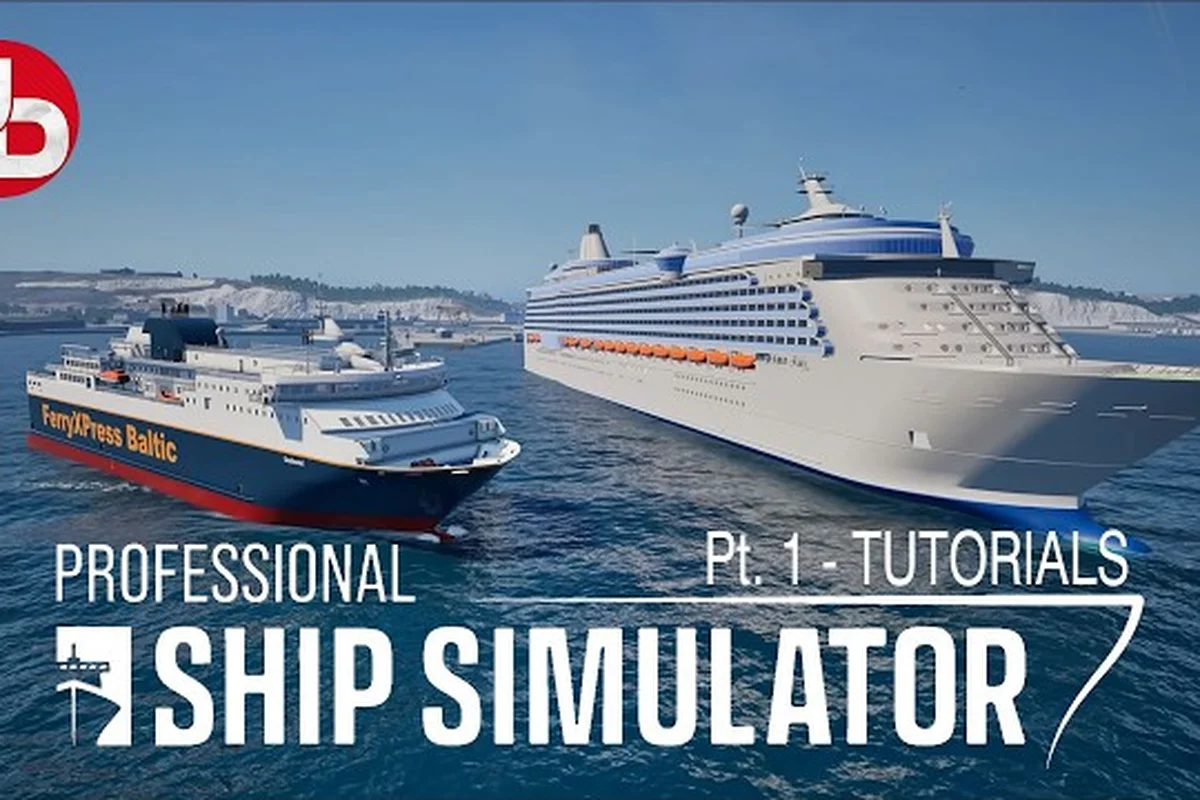
Professional Ship Simulator Beginner Guide: First Steps
Start your captain's journey with this Professional Ship Simulator beginner guide covering open-world basics, tutorial missions, and first ship controls.
Professional Ship Simulator Guide: Setup to Voyage
Follow this Professional Ship Simulator guide from shift+B startup to anchor drops, clickable cockpit controls, and your first open-world voyage.
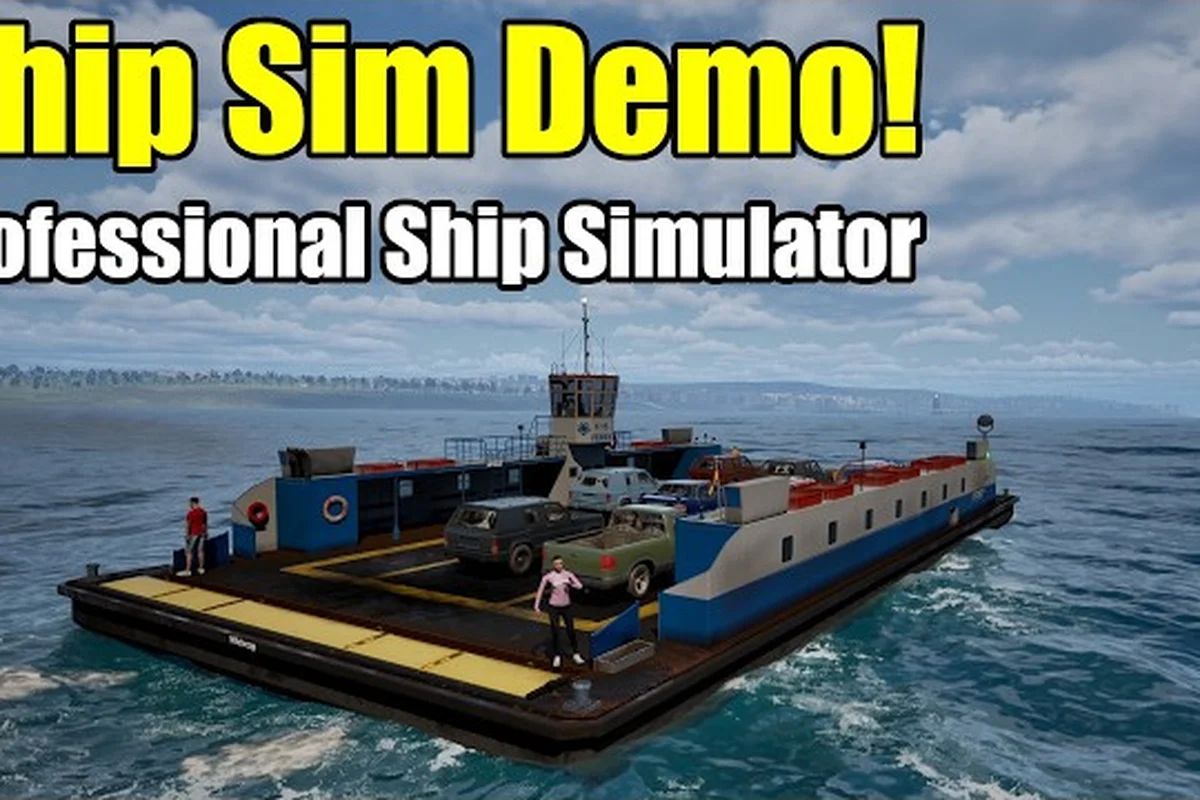
Professional Ship Simulator Starter Guide: First Sail
Get underway fast with this Professional Ship Simulator starter guide covering dark cockpit startup, bridge controls, and first voyage.
All Articles
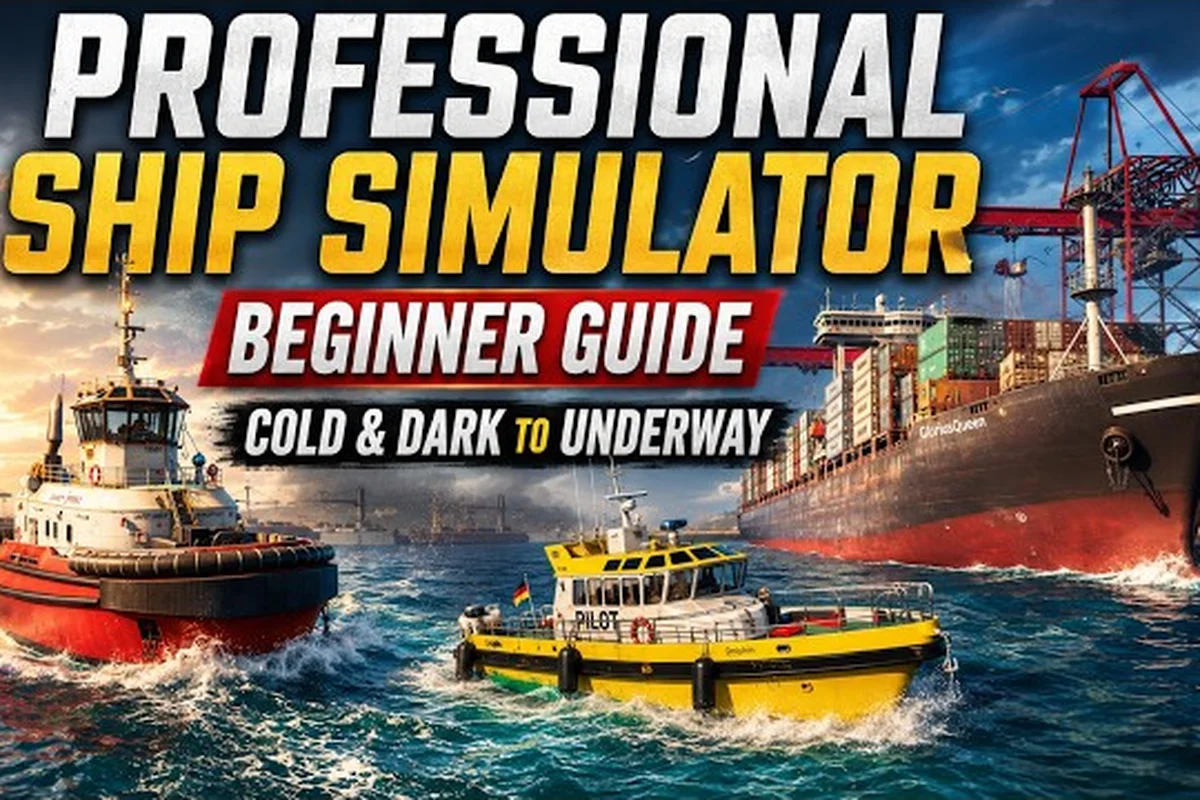
Professional Ship Simulator Basics: Controls, Startup & Pilots
Learn Professional Ship Simulator basics from the dark cockpit startup to clickable bridge controls, anchor drops, and calling a maritime pilot.
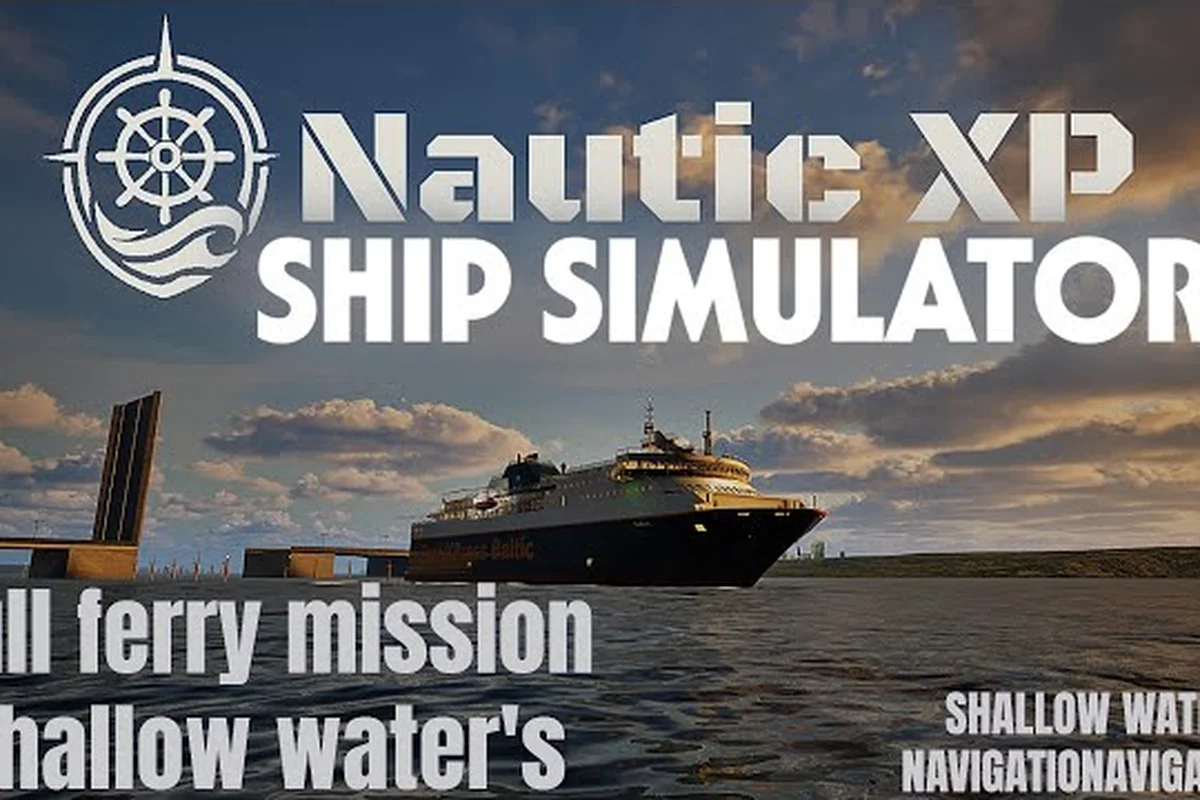
Professional Ship Simulator Navigation Guide: Charts
Navigate confidently in Professional Ship Simulator with this navigation guide on seamarks, chart reading, fog, and pilot support.
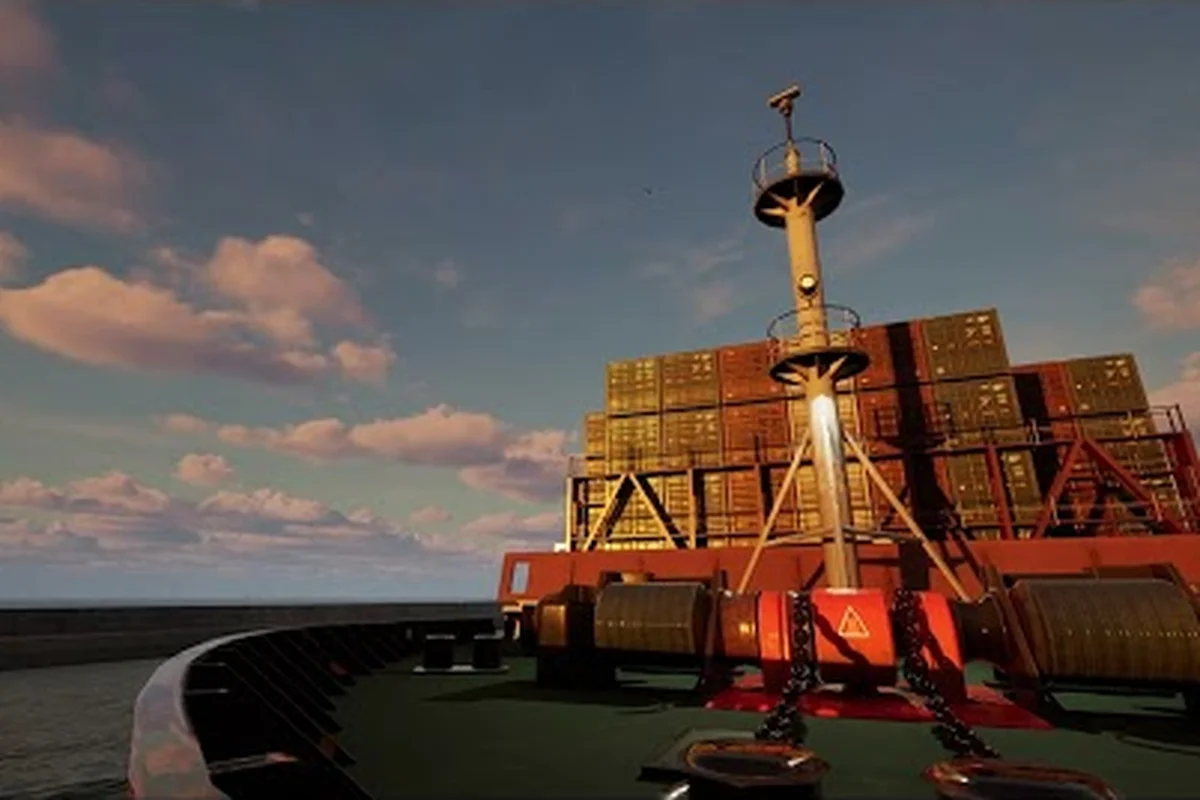
Professional Ship Simulator How to Dock: Berthing
Master berthing in Professional Ship Simulator with a step-by-step docking tutorial on mooring lines, radar, and harbor approaches.
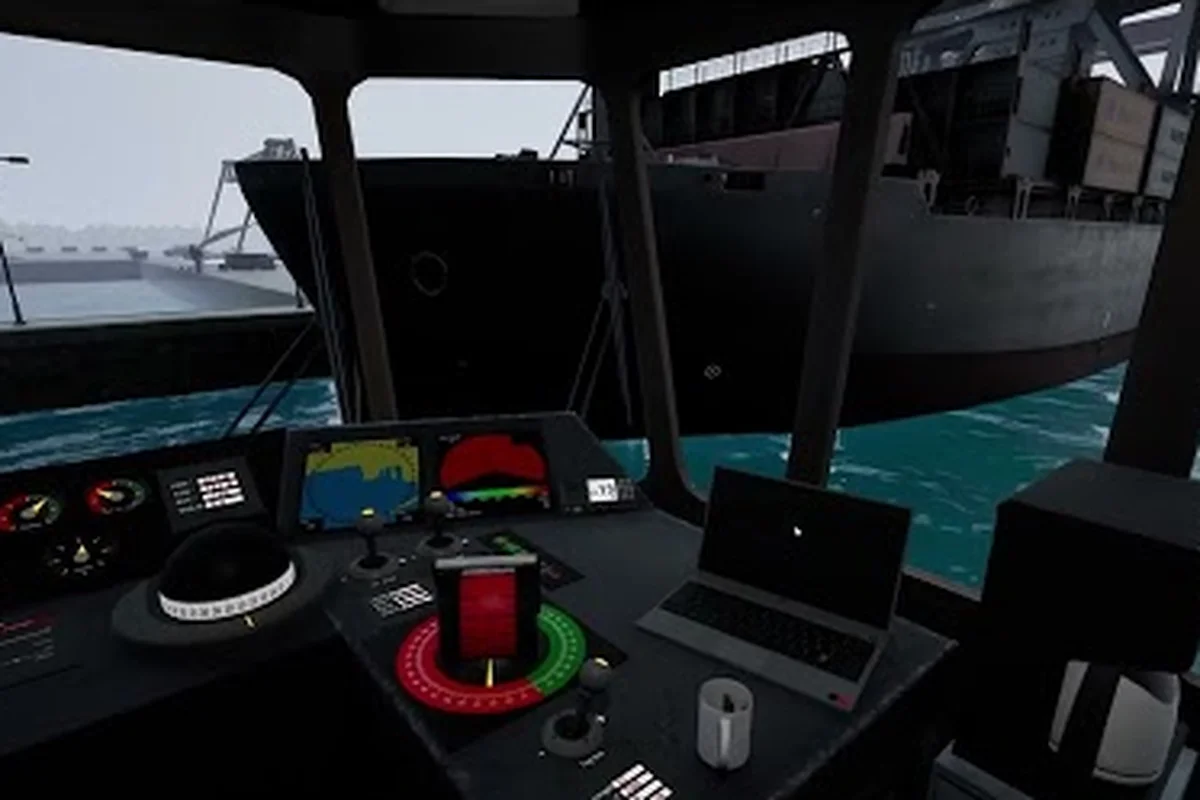
Professional Ship Simulator Manoeuvring Guide: Tugs
Handle tight harbors with this Professional Ship Simulator manoeuvring guide covering tug support, anchor drops, and port tugboat missions.
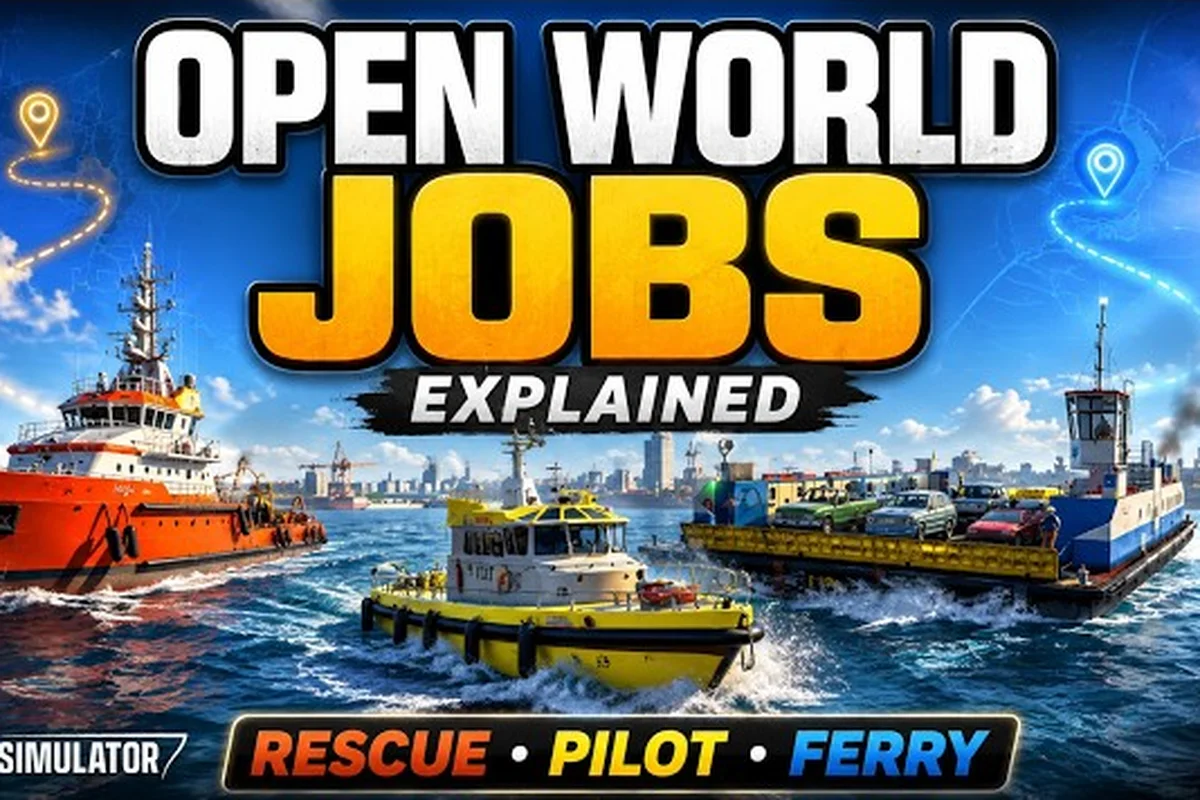
Professional Ship Simulator Tips and Tricks to Sail
Level up your seamanship with these Professional Ship Simulator tips and tricks, from clickable cockpit shortcuts to tug support.
Professional Ship Simulator Radio Guide: Physics
Learn the bridge language with this Professional Ship Simulator radio guide, explaining physics, bank effect, and harbor comms.
Professional Ship Simulator Guide 2026: Realistic Mode
Conquer the 2026 learning curve with this Professional Ship Simulator guide, packed with realistic mode tips and first-ship picks for new captains.