
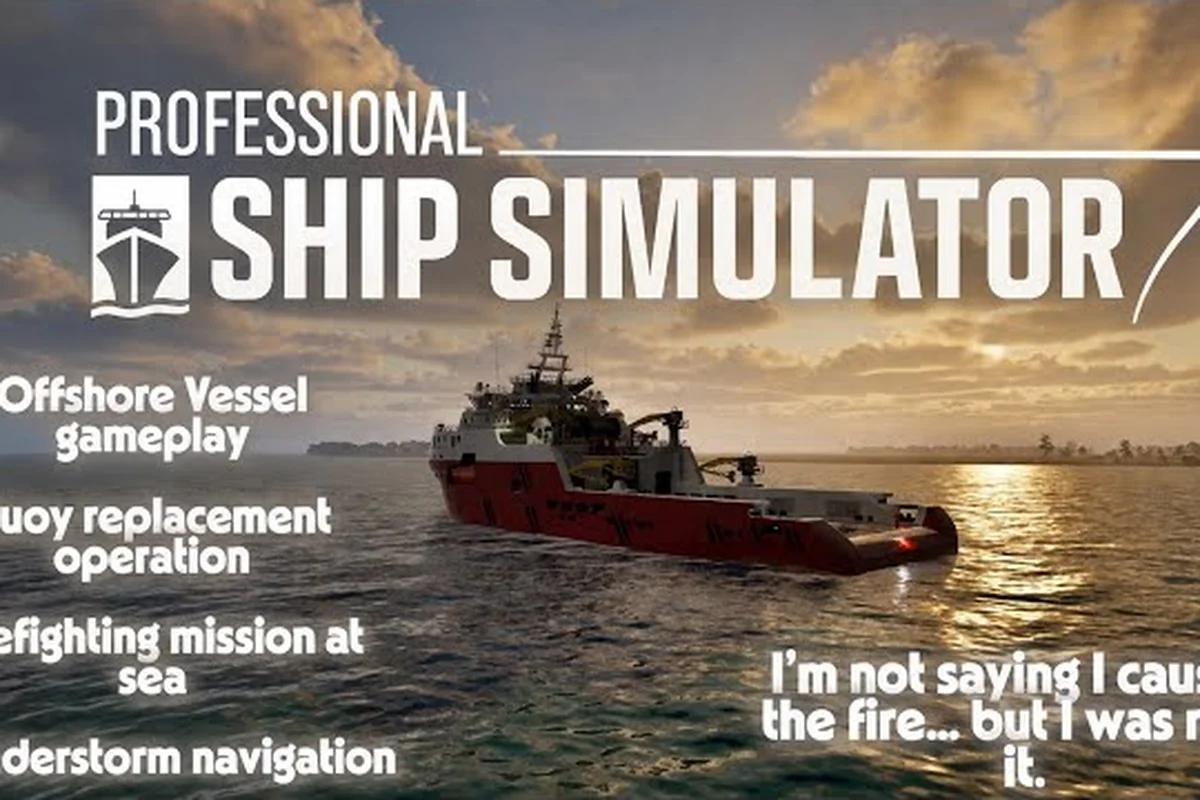
A professional ship simulator repair mission is the backbone of any harbour master's first weeks at sea, because buoys drift, pilots need boarding, and merchant hatches refuse to close without a careful hand. Professional Ship Simulator drops you into a 1:1 coastal chart built on real bathymetry, and the missions most new captains underestimate are the maintenance-driven ones. According to the official NauticXP repair mission notes, defect buoys appear randomly across the working chart, and only tugboats or offshore vessels can claim the job. That single restriction frames everything in this guide: ship choice, crew preparation, and route planning all revolve around which repair tasks your vessel can legally accept.
What a Professional Ship Simulator Repair Mission Actually Covers
The term "repair mission" in Professional Ship Simulator functions as an umbrella for several distinct task families. Every member of this family pays out credits and XP, but the on-water demands differ sharply from one to the next. Understanding the family tree keeps you from showing up at the harbour office in the wrong hull and losing a deposit.
The Three Sub-Families
-
Buoy maintenance tasks — collect a replacement buoy at the storage yard, swap it with the defect unit, and deliver the old buoy to the harbour for scrapping.
-
Pilot and inspection tasks — pick up a pilot or coast-guard inspector at the harbour office, transfer them safely to an inbound vessel, and complete the inspection checklist.
-
Merchant finalization tasks — finish cargo operations on a merchant hull, enter a valid route into the navigation system, and depart the assigned harbour.
| Sub-Family | Eligible Vessels | Core Action | Payout Tier |
|---|---|---|---|
| Buoy maintenance | Tugboat, offshore vessel | Pick up → swap → return | Mid |
| Pilot / inspection | Pilot boat, coast guard | Board pilot → align gangway → deliver | Low–Mid |
| Merchant finalization | Merchant hull (assigned) | Finalize cargo → plot route → depart | High |
Why the Family Matters Early
The game's licensing tree gates larger vessels behind completed missions, and every repair-family task counts toward the Coastal Service Licence that unlocks offshore patrol boats and LNG transport. Players who skip the smaller maintenance jobs often stall at the second licence tier because they have not banked enough XP in low-risk coastal waters. The professional ship simulator buoy maintenance loop is the fastest credentialing path for new captains because the routes are short, the harbours are forgiving, and the swap procedure teaches the clickable bridge systems that the merchant missions later demand at full scale.
A Note on Tooling and Timing
Most repair tasks run on an in-game clock that ticks faster than real time, so a fifteen-minute swap can feel like a tight two-minute sprint. Community testing on the early-access build shows that wind and current shift every six in-game hours, which directly affects your approach angle when aligning with a buoy. Plan a wide entry arc rather than a straight bearing so that a sudden gust does not slam your bow into the buoy chain.
Buoy Maintenance and Buoy Repair Walkthrough
The professional ship simulator buoy repair loop is the cleanest entry point into maintenance work, and it is also the task that teaches you how the ENIS power distribution system behaves under load. Every successful swap earns credits proportional to the harbour tier, and XP scales with how cleanly you execute the maneuver rather than the raw distance covered.
Step-by-Step Procedure
-
Request a buoy maintenance task at the local harbour via VHF radio — only tugboats and offshore vessels see this option in the task board.
-
Pick up the replacement buoy at the buoy storage yard on the harbour's working pier. Approach slowly and trigger the deck crane once mooring lines are taut.
-
Plot a course to the defect buoy's charted position; the navigation system will display a diamond marker once you are within 0.5 nautical miles.
-
Position your vessel 20–30 metres upwind of the target, cut engines to idle, and drift in to lift the defect unit off its mooring with the deck crane.
-
Lower the replacement buoy onto the original mooring chain and verify the AIS return lights up on your radar.
-
Stow the defect buoy on deck and return to the harbour storage yard to drop it off for credit.
Common Failure Modes
| Mistake | Symptom | Fix |
|---|---|---|
| Approaching too fast | Bow strikes buoy chain | Cut to idle at 50 m, drift in |
| Ignoring current | Replacement drops off-axis | Approach from the up-current side |
| Skipping AIS check | Mission does not register swap | Wait for AIS blip before stowing |
| Wrong ship class | Task not offered | Switch to tugboat or offshore vessel |
Players who treat the professional ship simulator buoy maintenance task as a pure transport job almost always fail the AIS check, because the radar requires a clean return from the new buoy before the swap counts. The radar's CPA (closest point of approach) alarm is your friend here: if the new buoy's AIS blip sits exactly where you dropped it, the swap is valid.
Hull and Crew Recommendations
Tugboats handle the task with the lowest fuel cost because their manoeuvring responsiveness is tuned for short bursts near fixed objects. Offshore vessels handle rougher weather and longer routes but burn roughly 35% more fuel per nautical mile according to community fuel logs. A coastal tug with reinforced bollards is the sweet spot for new captains, and once you unlock the larger offshore hulls the same workflow applies, only with a longer transit window.
Pilot Mission and Ship Inspection Procedures
The professional ship simulator pilot mission line is where captains learn to handle a passenger on deck while still commanding the bridge. A pilot mission places a licensed harbour pilot onto your boat, and your job is to deliver them to an inbound merchant vessel so the pilot can guide that ship into port. The professional ship simulator ship inspection sister task replaces the pilot with a coast-guard inspector, but the boarding mechanics are nearly identical.
Boarding Workflow
-
Request a pilot or inspection task at the harbour office via VHF — only pilot boats and coast-guard hulls see this category on the task board.
-
Pick up the pilot or inspector at the harbour office dock. Position your vessel so the gangway aligns with the dock edge.
-
Throw mooring lines to the dock handlers and secure them tightly before the pilot begins crossing the gangway. The boarding progress bar will not start until the lines are taut.
-
Once the progress bar completes, cast off and plot a course to the inbound vessel's waiting position. The chart marks the target with a purple diamond.
-
Approach the inbound vessel on its lee side, align your gangway between the two vessels, and repeat the mooring and boarding sequence for the pilot to disembark.
Pilot vs Inspection Differences
| Aspect | Pilot Mission | Ship Inspection |
|---|---|---|
| Passenger | Harbour pilot | Coast-guard inspector |
| Target vessel | Inbound merchant hull | Any assigned vessel |
| Reward focus | XP-heavy | Credit-heavy |
| Risk | Medium (close-quarters) | Low (static target) |
A professional ship simulator ship inspection task pays slightly more in credits because the inspector's report generates a fine against the inspected vessel's owner, and the game passes part of that fine to the carrying captain. Pilots, by contrast, pay less per run but stack XP faster because the game rewards successful deliveries of high-value human cargo.
Handling the Gangway Mechanic
The gangway alignment is the single most common failure point. The boat's heading must match the dock's heading within roughly 10 degrees, and the mooring lines must show green tension indicators before the boarding bar starts. If you are working in a crosswind, put the bow into the wind and let the stern fall to the dock; this is the same technique taught in the Professional Ship Simulator ship mods catalog for crew transfer between vessels at sea.
Merchant Mission Cargo Finalization
The professional ship simulator merchant mission is technically a transport task, but the finalization step — closing hatches, securing cargo, and plotting a valid route — shares the same maintenance DNA as the buoy and pilot lines. In practice, the merchant finalization stage is where the navigation system either vindicates or punishes your earlier route planning, and skipping steps here voids the cargo payout.
Finalization Checklist
-
Close and seal all cargo hatches before casting off. An open hatch triggers a fine that scales with the cargo value.
-
Engage the bow thruster interlock so the rudder does not fight the thruster during harbour departure.
-
Enter a valid route into the chart plotter. The mission target updates from the harbour exit waypoint to the final route destination only after the plotter accepts the route.
-
Verify the ENIS bus is healthy. A tripped breaker inside the harbour zone can leave you without radar at the worst possible moment.
Route Planning Tips
| Step | Action | Common Pitfall |
|---|---|---|
| 1 | Open chart plotter | Forgetting to switch from simulation to real navigation |
| 2 | Add harbour exit waypoint | Adding the destination first breaks the route chain |
| 3 | Add intermediate waypoints | Skipping shallow-water detours |
| 4 | Validate route | Plotter accepts invalid routes through land |
The plotter accepts routes that cross land if you stack waypoints tightly, and the game only catches the error at the moment your bow touches the beach. Community testing suggests adding at least one waypoint every 3 nautical miles in coastal waters and every 5 nautical miles offshore, because the chart's automatic shallow-water avoidance is conservative and will not reroute a manually plotted leg.
Reward Structure
A clean merchant finalization pays out three credit tiers: a completion bonus, a time bonus if you finish ahead of the deadline, and a cleanliness bonus if no hatches were left ajar. Stacking all three is the fastest credit grind in early access and is what most players use to finance the jump from a starter tug to a mid-tier patrol hull. For captains who want a broader view of how merchant finalization compares to other money-making task families, the Professional Ship Simulator cargo mission breakdown maps every credit payout against average completion time.
Choosing the Right Vessel for Repair Tasks
Not every ship in the nine-hull roster can accept a repair-family task, and choosing the wrong hull for the job is the most expensive mistake a new captain can make. The licensing tree gates each repair sub-family behind a specific hull class, and the in-game task board silently filters out missions your current ship cannot legally accept.
Hull Eligibility by Sub-Family
| Hull Class | Buoy Maintenance | Pilot / Inspection | Merchant Finalization |
|---|---|---|---|
| Coastal tug | ✅ | ❌ | ❌ |
| Offshore vessel | ✅ | ❌ | ❌ |
| Pilot boat | ❌ | ✅ | ❌ |
| Coast guard | ❌ | ✅ | ❌ |
| Merchant hull | ❌ | ❌ | ✅ |
| Yacht | ❌ | ❌ | ❌ |
| Patrol craft | ❌ | ✅ | ❌ |
Upgrade Path Recommendations
Start with a coastal tug to grind the Coastal Service Licence through buoy swaps, then move into a pilot boat once the licence unlocks the boarding workflow. The pilot boat also unlocks ship inspection work, which gives you a second credit stream without buying a new hull. The merchant hull is the most expensive early-access vessel, but it pays for itself inside roughly fifteen clean finalization runs. For captains weighing which hull to buy first, the Professional Ship Simulator ship list overview ranks every starter option by licence-gating speed and average mission payout.
When to Skip the Repair Family
Repair tasks are the safest way to bank credits in the first ten hours, but they cap out quickly because the same harbours recycle the same buoy and pilot jobs. Once you have unlocked the offshore patrol hull, the bigger-paying offshore patrol, SAR, and tourist charter missions become more efficient credit-per-minute. Repair work then shifts to a credentialing role rather than a primary income source, which is exactly how the Professional Ship Simulator tourist charter guide frames its own mid-game mission rotation.
Frequently Asked Questions
What is a professional ship simulator repair mission?
A professional ship simulator repair mission is any maintenance-driven task that keeps harbour infrastructure and crew transfers functional, including buoy replacement runs, pilot transfers, ship inspections, and merchant cargo finalization. Each sub-family requires a specific hull class and pays out a different mix of credits and XP. The umbrella term covers all four because they share a common licensing path under the Coastal Service Licence.
Which ship can I use for a professional ship simulator buoy maintenance task?
Only tugboats and offshore vessels can accept buoy maintenance tasks. A starter coastal tug is the cheapest option and is the recommended hull for the first ten hours of play because the swap distances are short and the fuel cost is low. Offshore vessels handle longer routes and rougher weather but consume roughly 35% more fuel per nautical mile, which cuts into the credit margin.
How does a professional ship simulator pilot mission differ from a ship inspection?
A professional ship simulator pilot mission delivers a harbour pilot to an inbound merchant vessel, while a ship inspection delivers a coast-guard inspector to a vessel of any class. The boarding mechanics are nearly identical, but pilot missions reward XP more heavily and ship inspections reward credits more heavily because the inspector's report triggers a fine against the inspected owner.
What do I need to finish a professional ship simulator merchant mission?
To complete a professional ship simulator merchant mission you must close and seal every cargo hatch, engage the bow thruster interlock, enter a valid route into the chart plotter, and verify the ENIS bus is healthy before casting off. The mission target only updates from the harbour exit waypoint to the final destination after the plotter accepts the route, so skipping that step leaves you stuck at the dock.
Can I run all three repair sub-families from a single harbour?
Yes, but the task board filters offers by hull class, so a single vessel can only ever see one sub-family at a time. Most captains swap vessels at the harbour mooring field to chain buoy, pilot, and merchant runs back to back. The repair loop is the fastest credentialing path in the early-access build because the same harbour recycles the same tasks every in-game day, which keeps the workflow predictable.