
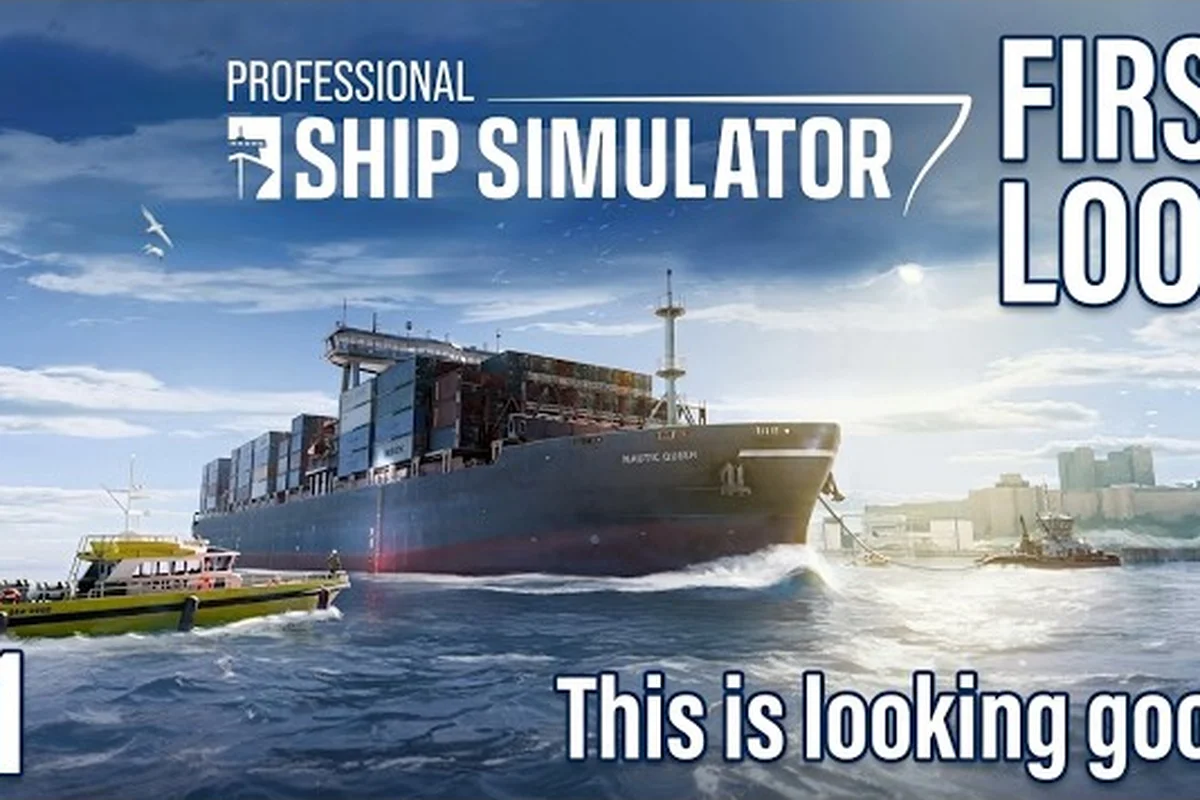
Professional Ship Simulator addon scenery transforms the base game from a clean early-access build into a living maritime world, layering custom harbors, ambient engine audio, signal flags, and hull liveries on top of every voyage. Because the Unreal SDK exposes the editor hub from day one, modders are already shipping scenery, sound, and visual asset packs through the Steam Workshop while core development continues on ship handling and mission depth. Players who want their bridge to feel like a working ship rather than a beta placeholder can subscribe to a small set of mods and reload a save to see the difference immediately.
Why Addon Scenery Transforms the Early-Access Baltic Map
The base early-access build ships with two core regions and a functional but visually sparse set of harbors. According to the official NauticXP ship mods reference, the developers are actively iterating on a Unreal SDK to support ship mods and the same pipeline feeds scenery, sound, flag, and livery uploads. That means every visual layer of the simulator — from breakwater textures to bridge ambient loops — is already in the modding loop, even before full ship editing matures.
Community data from the Steam Workshop suggests scenery, sound, flag, and livery packs consistently rank among the top five most-subscribed categories because they require no mission changes, no save resets, and no risk of breaking career progression. A new captain can subscribe, click Update Mods in the Editor section, and watch the harbor gain detail that the base game has not yet filled in.
| Mod Layer | What It Replaces | Typical Impact on a Voyage |
|---|---|---|
| Map / scenery | Default terrain, harbor geometry, props | Approach visuals feel dated → coastal, varied |
| Sound | Engine, ambient, radio loop | Bridge becomes silent → layered, atmospheric |
| Flag | Signal flag textures and combinations | Static text → readable nautical sets |
| Livery | Hull paint, decksuperstructure branding | Identical stock fleet → unique identity per ship |
Professional Ship Simulator addon scenery works as a visual and auditory foundation, but the same Workshop pipeline also accepts sound, flag, and livery mods that layer on top of that scenery. Together they convert a generic launch build into a vessel that looks, sounds, and reads as the captain's own.
Building the Right Mod Stack With Professional Ship Simulator Map Mods
Map mods are the heaviest category because they replace geometry, terrain, and sometimes the chart interface itself. A good Professional Ship Simulator map mod does not just swap textures; it can introduce new breakwaters, channel markers, harbor props, and bathymetry that the base game leaves as placeholders. Players running career mode report that the right map overhaul alone changes how readable night approaches feel because rebuilt shoreline lights and pier geometry finally stand out from a dark bridge.
Choosing Scenery vs. Full Map Overhauls
Map overhauls fall into two practical buckets: full regional replacements and scenery-only addons. Full replacements swap the default regions for a richer version of the same coast; scenery-only addons stack detail on top of the stock map without changing the route network. According to community testing, scenery-only mods are safer during the early-access churn because they remain compatible even when the developer patches chart data or port placement.
| Mod Type | Best For | Compatibility Risk |
|---|---|---|
| Full map overhaul | Veterans who replay the same routes | Medium — check patch notes |
| Scenery-only addon | New captains and career pilots | Low — overlays default terrain |
| Bathymetry / chart pack | Pilots who read the nautical interface | Low — pure data swap |
| Wildlife / lighthouse pack | Free-roam explorers | Low — ambient only |
For captains who want a quick visual lift without disrupting career contracts, a scenery-only pack is the most forgiving first subscription. The same principle applies to the Professional Ship Simulator Steam Workshop listings that bundle multiple smaller packs into a single "harbor overhaul" — these typically act as scenery rather than as full map replacements.
Stacking Map Packs Safely
The Editor section's Update Mods button installs every valid mod according to active Steam subscriptions, but it does not deduplicate scenery layers. Two packs that both add a lighthouse to the same coordinate will overlap and, in some cases, cull each other. The cleanest stacking pattern is one base map overhaul plus one scenery pack, with bathymetry and wildlife treated as a separate layer that does not compete for the same slots.
When a pack fails to load, the cause is almost always a folder-name mismatch between the Steam Workshop folder and the mod's internal id. The Knowledge Base upload flow requires the mod folder name to match the mod title entered on the upload page; if the publisher named the folder differently, subscribers see a silent no-op in the Editor list.
How Professional Ship Simulator Sound Mods Build a Working Bridge
Sound packs are the second-most-subscribed layer, and for good reason: a working bridge in Professional Ship Simulator is supposed to layer engine room rumble, deck wash, radar beep, radio squelch, and ambient harbor noise simultaneously. The base early-access build has functional audio but limited variety, which becomes obvious on long coastal transits when the engine loop repeats without variation. A targeted Professional Ship Simulator sound mod replaces those loops with longer, context-aware samples that change with throttle, sea state, and proximity to harbor.
What Sound Mods Actually Replace
Most sound packs are organized as drop-in replacements for the engine, ambient, and radio audio buses. Players who test with a clean install report that swapping the engine loop alone produces the largest single change in perceived realism because throttle response now audibly matches the telegraph position. The Upload Your Own Mods guide confirms that the mod type selector accepts audio-only uploads as long as the folder structure matches the chosen category.
| Audio Bus | Default Behavior | Typical Sound Mod |
|---|---|---|
| Engine loop | Single short sample, fixed | Multi-sample, throttle-reactive |
| Ambient deck | Sparse, static | Sea-state-aware layered loops |
| Radio / VHF | Generic click | Channel-specific squelch and traffic |
| Radar / sonar | Single pulse | Context-aware ping variants |
Combining Sound Packs Without Audio Culling
Because the Unreal SDK loads audio buses in folder order, two sound packs that target the same bus will override each other rather than blend. Community modders solve this by releasing companion packs that share a folder prefix, so only one bus per category is replaced. When evaluating a sound mod, check whether the publisher lists compatible companion packs on the Workshop page; the absence of a companion often means the pack is designed to be the sole audio source for that bus.
For career pilots running long cargo transits, the practical upgrade path is one engine pack, one ambient pack, and one radio pack — three total subscriptions, three replaced buses, no overlap. That is enough audio detail to make night sailing feel like a working bridge rather than a silent demo.
Reading the Water With Professional Ship Simulator Flag Mods
Flag mods are the most overlooked layer because new players do not realize the signal flag slots on the bridge are fully swappable. The default ship carries a placeholder set, but every working harbor uses the international signal flag alphabet, where each flag means a specific message — "I am operating astern propulsion," "vessel is at anchor," "keep clear." A Professional Ship Simulator flag mod replaces placeholder textures with the real alphabet, sometimes including number pennants and substitute flags.
How Flag Mods Interact With the Light Panel
The flag panel and the light panel share the same rigging slots, which means a flag mod that ships an incompatible set can break running-light rendering. According to community reports, the safest flag packs include both signal flags and a complete substitute set so the renderer never has to fall back to a missing texture. Captains who only see a partial flag set after subscribing usually have a flag mod that ships flags A through Z but not the substitute or number pennants.
| Flag Set | Coverage | Best For |
|---|---|---|
| International alphabet (A-Z) | Standard signals | Career and charter missions |
| Number pennants (0-9) | Numeric signaling | Harbor-control radio workflows |
| Substitute / code flags | Repeater and special signals | Convoy or formation sailing |
| National ensigns | Country-specific hull identity | Livery players who want matching flags |
A flag mod's value compounds with a livery mod because both pull from the same hull identity theme. Players who run a national ensign on the stern and the matching signal flag set on the rigging report a much more readable bridge at night because the silhouette finally matches the message being signaled.
Hull Identity Through Professional Ship Simulator Livery Mods
Livery mods are the most personal layer of Professional Ship Simulator addon scenery because they let each captain own a hull visually distinct from the stock fleet. A livery pack typically includes hull paint, deck textures, superstructure accents, and sometimes a rebrand of bridge interior panels. Because the editor exposes paintable slots, most livery mods ship as a single Workshop entry that swaps a named slot rather than overriding the entire ship, and a curated selection of the highest-quality paint, texture, and rebrand overrides is maintained on the Professional Ship Simulator Steam Workshop index so captains can preview slot coverage before subscribing.
Picking Livery Slots Without Breaking Your Build
The editor's livery system reads slots by name, so a mod that targets the "Pilot Boat" slot will not affect a "Trawler" hull. According to the Knowledge Base's Get Mods From Steam Workshop walkthrough, the safest subscription pattern is to confirm a livery mod lists the exact hull name and slot before clicking subscribe. A livery that does not match the slot name simply does not appear, which is a silent no-op rather than a crash.
| Livery Type | Slot Target | Compatibility Notes |
|---|---|---|
| Hull paint | Ship-specific paint slot | Only loads on matching hull |
| Deck texture | Common deck slot | Loads on any ship that shares the slot |
| Bridge interior | Bridge panel slot | Per-cabin; some overlap across classes |
| Stack / funnel | Common stack slot | Loads on any ship with a stack |
Combining Livery With Map and Sound
Livery mods pair naturally with map and sound layers because they touch different subsystems. A captain can run a regional map overhaul, a throttle-reactive engine pack, a signal flag set, and a per-hull livery without any of the four competing for the same slot. The only cross-layer conflict to watch is a livery that bundles its own flag textures — in that case, choose either the livery's bundled flag or a dedicated flag mod, not both.
For captains who want the cleanest visual identity, the recommended order is to subscribe to one map pack, one sound pack, one flag pack, and one livery per favorite hull. That four-subscription baseline covers scenery, ambient, signaling, and identity without any overlap. Veterans who want to push further can explore Unreal Engine modding tools to author their own liveries, though the devkit is still maturing during early access.
Cross-Reference: Addon Scenery Compared With the Stock Build
The stock early-access build is functional, but a layered Professional Ship Simulator addon scenery stack moves it from a recognizable placeholder to a believable maritime environment. Below is a practical comparison of what changes at each layer, useful for deciding where to spend your first Workshop subscriptions.
| Subscribed Layer | Stock Build | With Addon Scenery |
|---|---|---|
| Map geometry | Two clean regions, sparse props | Dense harbor props, lighthouses, bathymetry |
| Audio bus mix | Single engine loop, sparse ambient | Throttle-reactive engine, layered ambient |
| Flag set | Placeholder textures, no substitutes | Full international alphabet, number pennants |
| Hull identity | Identical stock fleet across all ships | Per-hull livery, matching ensigns |
| Bridge interior | Generic panel, shared across classes | Class-specific accents, themed materials |
A reasonable first subscription list for a new captain who wants visible impact without compatibility risk is one scenery pack, one engine sound pack, one signal flag set, and one livery for the hull they plan to spend the most time on. That loadout changes the look and sound of every voyage while leaving the career mission logic untouched.
Common Pitfalls When Mixing Professional Ship Simulator Unreal Engine Mods
Because every mod type — scenery, sound, flag, livery — runs through the same Unreal SDK pipeline, the same failure modes apply across categories. The Knowledge Base lists a small number of recurring causes for mods not appearing in-game, and most of them trace back to folder-name mismatches or incompatible companion packs.
The Top Three Loading Failures
-
Folder name does not match the mod title — The Workshop upload page requires the folder name to match the mod name exactly, and subscribers see a silent no-op when the names diverge. Always check the Workshop page for the publisher's stated folder name if a mod does not appear in the Editor list.
-
Two mods target the same bus or slot — The renderer loads one and ignores the other. Deactivate the weaker of the two in the Editor section's mod list to keep the stronger pack active.
-
Patch-day mod rot — Because the editor is still iterating, a mod that worked on build 0.8 may stop loading on build 0.9. The community reports that scenery packs and sound packs are most resilient; livery packs are the most likely to need a re-subscribe after a major patch.
Diagnosing a Silent No-Op
When a mod disappears from the Editor section's mod list entirely, the most efficient diagnostic is to unsubscribe, restart the launcher, re-subscribe, and click Update Mods again. According to the Knowledge Base, this is the supported reset path; deeper file inspection is not required for the common cases. If the mod still does not appear, the publisher's folder name is the next thing to verify.
For captains who want to author rather than subscribe, the Upload Your Own Mods walkthrough walks through the same steps the community uses to publish scenery, sound, flag, and livery packs. The devkit is still in early-access maturity, so first-time authors are advised to start with a livery or flag pack — both have the smallest asset footprint and the fastest validation loop.
Frequently Asked Questions
What is the easiest Professional Ship Simulator addon scenery mod for a new captain to install?
The easiest first subscription is a scenery-only pack that overlays the default map rather than replacing it, because overlays remain compatible even when the developer patches the chart data. Subscribe, click Update Mods in the Editor section, and reload the save to see the harbor gain prop detail immediately.
Do Professional Ship Simulator sound mods replace the engine loop on every ship?
Yes, when the pack targets the engine audio bus. A single subscription replaces the engine loop on every hull in the fleet, but two engine packs that target the same bus will override each other. The safe pattern is one engine pack plus one ambient pack, leaving the radio and radar buses for separate subscriptions.
Will a Professional Ship Simulator flag mod break the running lights?
A flag mod will not break running lights if the pack includes the full international alphabet, number pennants, and substitutes. Packs that ship only A through Z leave the renderer to fall back to missing textures, which can produce visible blank panels. Always check the Workshop description for the complete flag list before subscribing.
How do Professional Ship Simulator livery mods choose which hull to apply to?
Livery mods read slot names rather than ship class, so a pack that targets the "Pilot Boat" slot only loads on the pilot boat hull. Captains who want a livery across multiple hulls need either one livery mod per hull or a pack that ships slots for several hulls in a single download. The Editor section's mod list shows which slot each livery is currently bound to.
Are Professional Ship Simulator Unreal Engine mods safe during early access?
Scenery, sound, flag, and livery mods are the lowest-risk categories because they touch visual and audio buses rather than career mission data. The most common failure is a silent no-op when a folder name does not match the mod title, which is recoverable by re-subscribing. Captains who want maximum stability should avoid subscribing to overhaul packs on the same day the developer ships a major patch.